
Magento is a hugely popular platform for online stores. One of the most popular, in fact. And it’s because of this popularity that it is often a target for hackers. Hackers use automated programs to find Magento stores with weak passwords, outdated software, or other common vulnerabilities.
Meaning, if you want to run a successful business, securing your site is an absolute necessity. If your potential customers don’t feel safe putting your items in their cart, they will abandon the cart, abandon the website, and abandon your business forevermore. All that fearmongering aside, you do not have to be a security expert to fix most of these issues. Let’s start with the basics.
Start With the Built-In Tools
Vanilla Magento already has sturdy security features built into the platform. You just need to make sure you turn them on.
- Turn on two-factor authentication.
- Put Google reCAPTCHA on your forms.
- Set up specific permissions for your staff.
- Enable data encryption.
1. Choose a Security-First Hosting Provider
Simply put: Don’t use cheap hosting. The price might seem attractive, but there are very often limitations and security risks that come with a cheap hosting provider. Cheap hosting is very often shared, meaning you share the space with other websites. Should one of those websites get breached, it puts your store at more risk.
Instead, use a hosting provider that specialises in Magento and security. They’ll often have better firewalls and security features, such as automatic malware scanning.
Finally, for no reason whatsoever, here is a link to Hypernode’s security features page: https://www.hypernode.com/en/security/…
2. Change Your Default Admin URL
The default login page for most businesses is usually yourstore.com/admin. If I know this, hackers know this. They use software to guess passwords on that page thousands of times a second (AKA a brute force attack; learn more here if you like). Change this URL to a unique phrase known only to your team.
3. Lock Down Admin Entry via IP Whitelisting
You can configure your server to allow only specific computers to access your login page. This is called IP whitelisting. Essentially, should a hacker steal your password, they still won’t be able to log in because they’re using the wrong computer.
Note: If your team works remotely, setting up a secure company VPN is the smartest way to manage this cleanly.
4. Do Not Share Accounts
Give every employee their own login account. Do not share one main admin login. If you share accounts, you cannot tell who changed what.
Tip: Go into your settings and turn off the option that allows multiple people to log into the same account at the same time. If a second person tries to log in with active credentials, the first person should be kicked out immediately.
5. Enforce Strong, Rotating Passwords
Your employees might not thank you for this one, but neither will potential hackers. Nobody likes changing passwords, but it’s one of those minor annoyances that saves businesses.
Passwords should be long and random. Do not let your staff use simple passwords. You can change your Magento settings to force everyone to update their password every 90 days. This keeps your login pages much safer.
6. Require Two-Factor Authentication
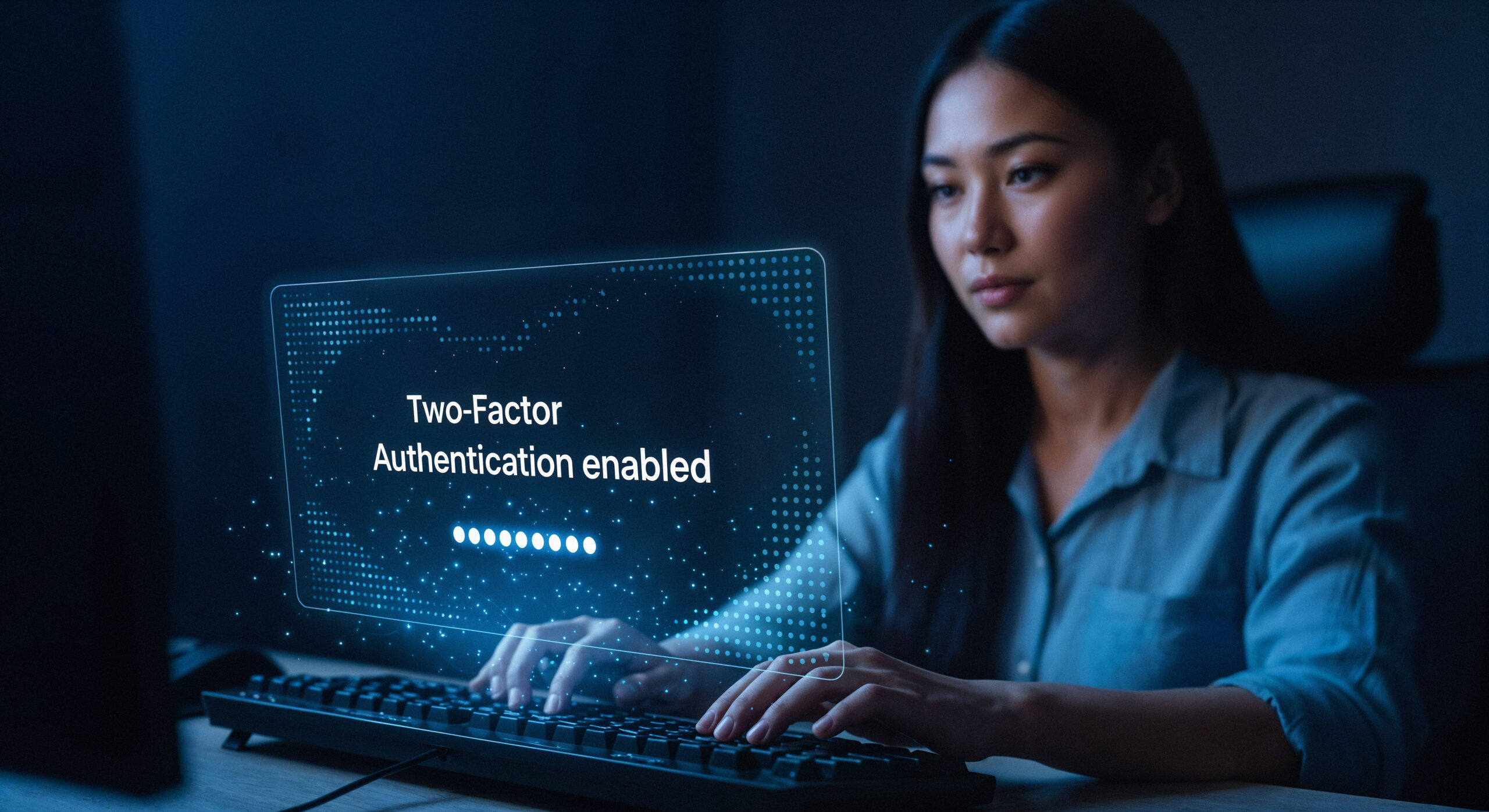
Passwords are not enough anymore. You need a second layer of safety. Two-factor authentication sends a code to your phone or requires a physical key when you log in. Turn this on for every single user account on your site.
Tip: Try Google Authenticator. Quick setups and seamless mobile access.
7. Use reCAPTCHA on All Forms
Bots don’t just target your admin page; they love your frontend, too. Left unchecked, they will create thousands of fake customer accounts, spam your review sections, and abuse your checkout page to test stolen credit cards.
Turn on reCAPTCHA for your login, registration, and contact forms. It keeps the experience smooth for real buyers while completely locking out malicious automated scripts.
8. Use the Magento Security Scan Tool
Adobe offers a free security scan tool for Magento users. You should sign up for it. It checks your site for malware and missing updates. Set it to run every week and send the report to your email.
9. Fix Your File Permissions
Files on your server have rules about who can edit them. If these rules are too loose, hackers can change your website code. Never set your folders to open access. Keep your files set to read-only, and only allow edits on folders that need them, like your media folder.
10. Install Magento Updates Quickly
When Magento finds a security flaw, they release a patch to fix it. Those pesky little hackers read these update notes. They look for stores that have not installed the patch yet. Update your platform, your theme, and your extensions as soon as updates come out.
Taking Security to the Next Level
Basic settings will stop the casual script-kiddies and standard bots, but as your business grows, you’ll face more sophisticated threats. Basic scanners often miss deep database injections or sneaky, subtle file modifications.
To truly protect your revenue, you should pair smart platform settings with a dedicated Web Application Firewall (WAF). A WAF filters out malicious web traffic before it ever reaches your server, keeping your site both safe and fast.
Final Thoughts: Invest in Trust
Online shopping relies entirely on a psychological contract: trust. If a customer doesn’t feel 100% secure entering their credit card number on your checkout page, they will buy from a competitor. By securing your hosting, locking down your admin dashboard, and keeping your code updated, you aren’t just doing IT maintenance. You’re actively protecting your customers and your business growth.
Hi! My name is Dion, Account Manager at Hypernode
Want to know more about Hypernode's Managed E-commerce Hosting? Schedule your online meeting.
schedule one-on-one meeting +31 (0) 648362102