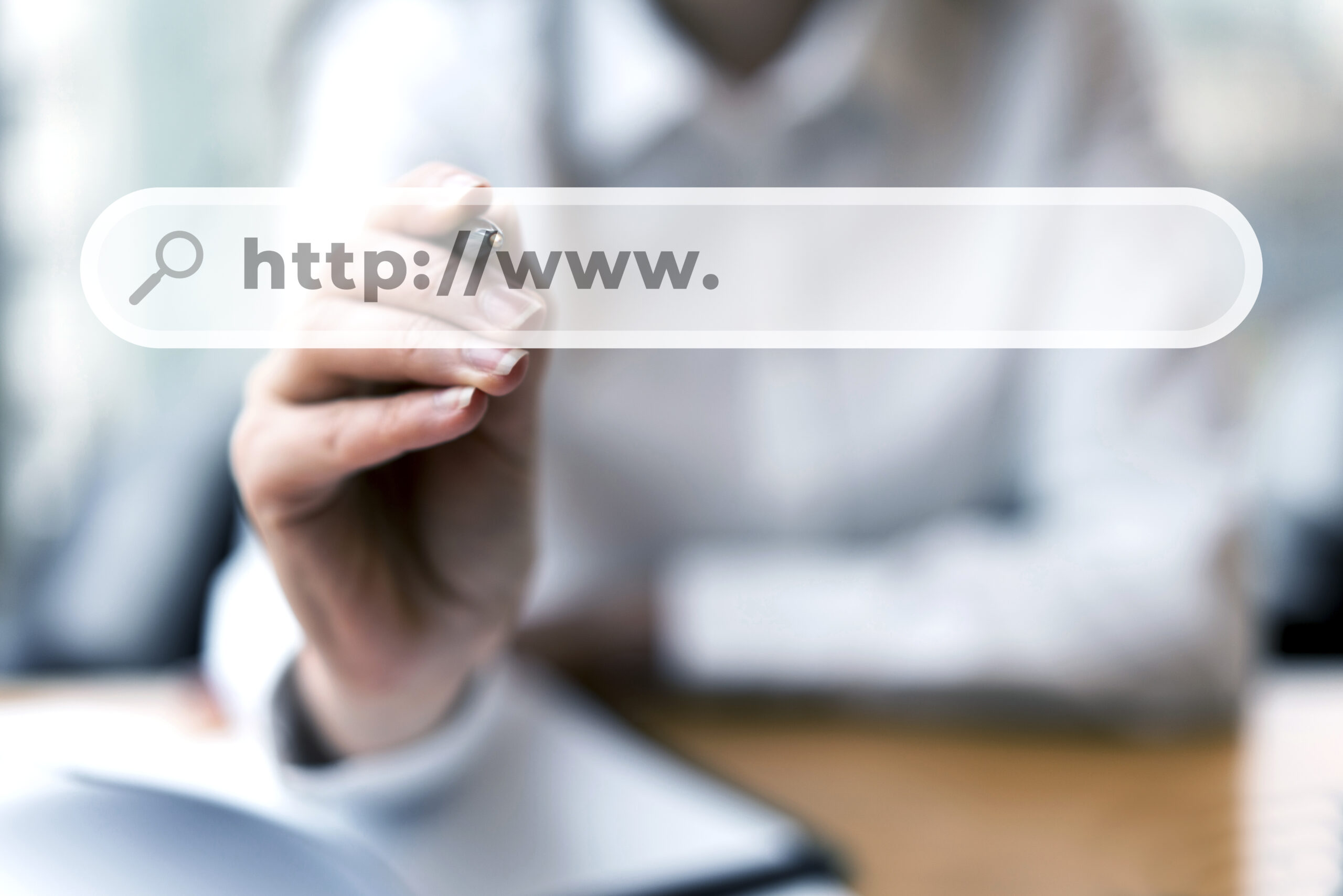
Ever notice the little padlock icon next to a website URL? That icon tells you the site is secure. But how does that security actually work? It usually comes down to three common terms: SSL, TLS, and HTTPS.
Here is what they mean:
What is SSL (Secure Sockets Layer)?
This is the original security technology. It scrambles data sent between a website and your browser so hackers cannot steal it. Even though this specific tech is older now, “SSL” is still the catchphrase everyone uses today.
What is TLS (Transport Layer Security)?
This is the modern, upgraded version of SSL. It does the same job, but it uses much stronger, updated security standards. When you secure a website today, you are actually using TLS under the hood.
What is HTTPS (Hypertext Transfer Protocol Secure)?
This is the “S” and the padlock icon you see in your browser address bar. It is the protocol that puts SSL/TLS into action. It is the visual proof to your visitors that your website connection is safely encrypted.
Why Every Website Needs a Security Certificate
Security certificates aren’t just for massive online stores anymore. Today, every single website needs one. Here is why it matters for your site:
Protecting Sensitive Data
If your site has a login panel, a checkout page, or a simple contact form, you are handling private data. A security certificate encrypts this information. It scrambles passwords and credit card numbers so hackers cannot steal them while they travel across the internet.
Privacy for Basic Websites and Blogs
Even if you do not sell products or collect personal data, you still need encryption. It keeps your visitors’ browsing history private. Without a certificate, internet providers or hackers can actually inject unwanted ads or malware onto your web pages.
SEO Benefits and Google Rankings
Search engines demand security. Google rewards secure HTTPS websites with a direct boost in search rankings. Even worse, they penalise unsecured sites. If you do not have a certificate, browsers like Chrome will flag your site as “Not Secure,” which scares away potential visitors.
Trust Levels: Looking Beyond the Lock Icon
The padlock icon tells you a site is encrypted, but it doesn’t always tell you who runs the website. To fix this, security certificates come in three different trust levels based on identity verification.
Here is how they break down:
Domain Validation (DV) Certificates
This is the most basic and common option. To get a DV certificate, you only have to prove that you own the domain name. The process is automated, takes just a few minutes, and is usually free. It gives you the padlock icon, but it doesn’t prove that your business is legitimate.
Organisation Validation (OV) Certificates
This option adds a layer of real-world trust. Before issuing an OV certificate, the security company verifies your domain ownership and confirms that your business is legally registered. This process takes a couple of days. It gives visitors peace of mind that a real company is running the site.
Extended Validation (EV) Certificates
This is the gold standard of web security. To get an EV certificate, your company must pass a strict, manual background check to prove your legal identity and physical location. Because the verification is so intense, it costs more and takes longer. This is why banks, government agencies, and massive global brands use EV certificates to show absolute legitimacy.
How It Works: The Invisible “SSL Handshake”
Before a secure connection starts, your browser and the website’s server have to greet each other. This is called the “SSL Handshake.” It happens behind the scenes in milliseconds, and it breaks down into three quick steps:
- Authentication: Your browser connects to the website and asks to see its security certificate. The server sends the certificate over. Your browser checks it to verify the website is real.
- Encryption: The server sends its public key to the browser. The browser uses this public key to encrypt a temporary code called a session key.
- Decryption: The browser sends the encrypted session key back to the server. The server uses its unique private key to decrypt the code. Now, both sides share a secure connection to pass data back and forth safely.
Your Next Steps
Web security is a requirement for every website today. It protects your visitor data, builds trust, and keeps your search engine rankings safe.
Take a look at your website’s address bar right now. If it does not show the padlock icon, you need to install an SSL/TLS certificate immediately.
How to Use SSL Certificates on your Hypernode When Ordered via Hypernode.com
Hi! My name is Dion, Account Manager at Hypernode
Want to know more about Hypernode's Managed E-commerce Hosting? Schedule your online meeting.
schedule one-on-one meeting +31 (0) 648362102